Product information to verify in cssbuy spreadsheet
Your sheet is a record of what you noticed. The product page is the record of what the seller states. This guide sets out a single pass over the information worth verifying, and explains which questions have to go back to the source rather than being answered by a guide.
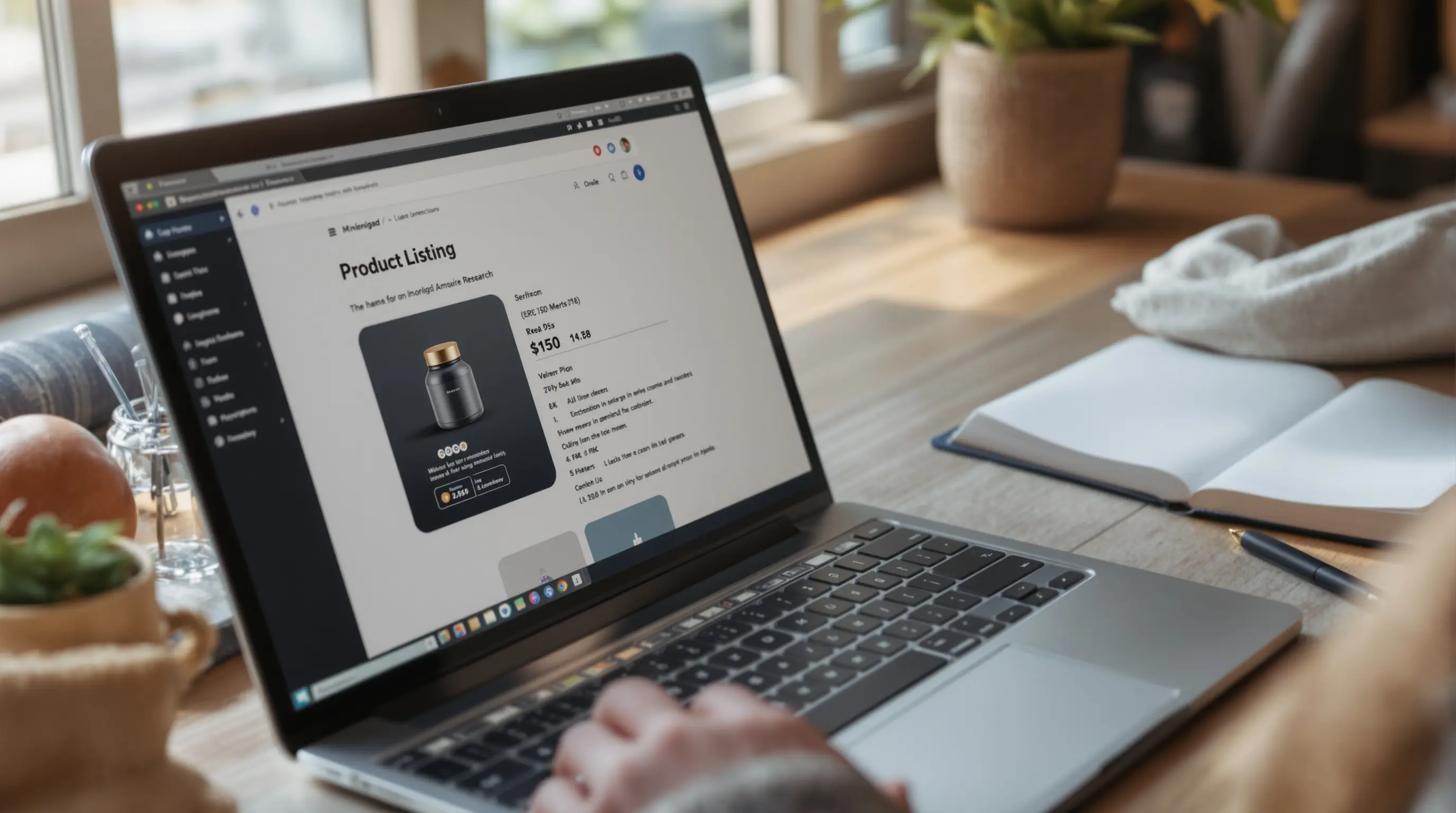
Six areas to read
| Area | Look for | If unclear |
|---|---|---|
| Size | Measurements in centimetres and a size chart | Ask for the missing numbers |
| Fabric and material | The seller's exact wording | Mark "not stated" |
| Images | Several angles, labels, details | Ask for more photos |
| Availability | Whether it can be ordered now | Do not treat it as in stock |
| After-sales | Return, exchange and repair terms | Read them on the live page |
| Delivery notes | Restrictions and available options | Confirm before submitting |
Size: numbers beat labels
A size name is a convenience. A measurement is a fact. Use the method in the clothing measurements guide to compare a listing with something you own, and treat any listing without numbers as incomplete.
Fabric and material
Copy the wording as it appears. Do not translate "blend" into a ratio or "leather-look" into leather. If a care label is shown, record it too, because care affects what an item will cost you in time.
Images: what a good set shows
A useful image set includes the front, back, label, closure, inside and a detail. Photographs that look identical across several sellers are a reason to look more closely rather than to relax. Note anything you cannot see, such as the sole of a shoe or the lining of a bag, and treat it as a question.
Availability and after-sales terms
Whether an item can be ordered today is a live fact, not a note. Re-check it on the day you decide, and write the date you checked. After-sales terms, such as returns and exchanges, are the seller's own and can differ by category. Read them for the exact item you are buying.
Which questions go back to the source
- Anything about stock or ordering today.
- Exact materials, if the listing is vague.
- Return, exchange or repair terms.
- Delivery restrictions on a particular item.
- Measurements the listing does not give.
This guide cannot answer those for you, and neither can a note in your sheet. Ask on the live page or through the store's own channels.
Verification checklist
For each candidate
- Record measurements and compare with an item you own.
- Copy the material wording and care notes.
- Check the image set for angles and labels.
- Confirm availability and write the date.
- Read after-sales and delivery terms.
- List every unanswered question for the source.
Where to go next
Once the information is verified, turn it into costs with planning a AUD budget. You can also return to the cssbuy spreadsheet home page.